

 60
60



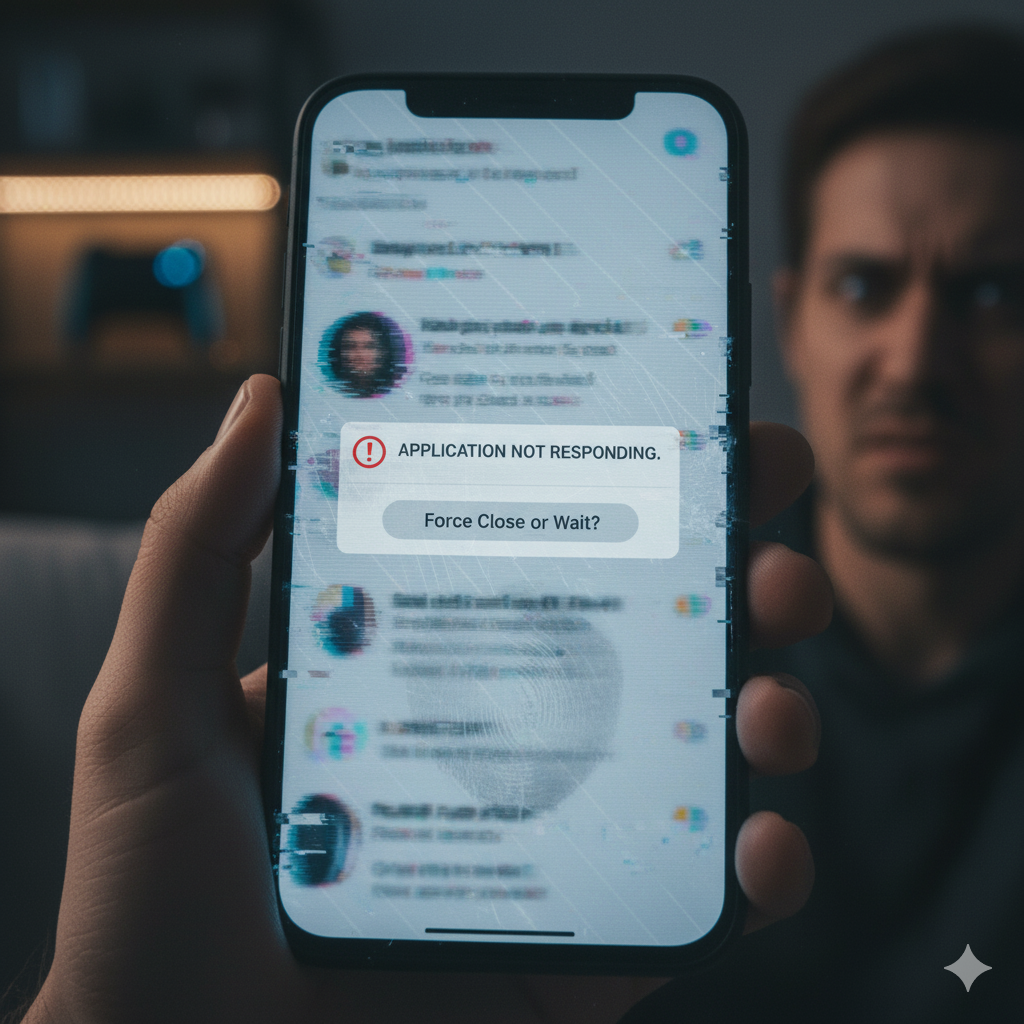
Imagine trying to send an urgent text, browse an app, or join an online meeting—only for your phone to suddenly freeze. The screen won’t move, apps stop responding, and you’re left frustrated, tapping away without results. For many people, this happens not just once, but repeatedly throughout the day.
Frequent freezing is more than just an inconvenience. It signals deeper issues within your phone—whether that’s limited memory, outdated software, malware, overheating, or even failing hardware. As repair specialists at TPK Wireless, we’ve seen every type of freezing problem on iPhones, Samsung Galaxy phones, iPads, tablets, and even gaming devices.
In this detailed guide, we’ll walk you through:
By the end, you’ll know exactly how to prevent freezing, boost your phone’s performance, and avoid the risk of permanent damage.
Modern smartphones are designed to run multiple apps at once. But when too many apps remain open, your phone’s RAM (Random Access Memory) becomes overloaded. This leads to sluggish performance, delayed touch response, and frequent freezing.
👉 Example: You have Facebook, Instagram, TikTok, YouTube, WhatsApp, and Chrome running in the background while streaming music. The device struggles to allocate memory properly, causing freezes.
A phone running at 90–95% storage capacity will almost always freeze. Storage isn’t just for photos and apps—it also helps your operating system manage temporary files. Without room to “breathe,” the system slows down.
Failing to update your phone leaves it vulnerable to bugs that developers may have already fixed. Old app versions can also conflict with newer OS updates, leading to instability.
If your phone gets too hot, it automatically slows down to protect internal components. Freezing can be one of the first warning signs of overheating.
Phones can pick up malicious files through shady apps or unsafe downloads. Malware consumes system resources, logs activity, and may cause apps to freeze unexpectedly.
Hardware deterioration is often overlooked. A weak battery, failing logic board, or damaged processor can all cause freezing. For example, a swelling battery may press against internal components, affecting performance.
👉 If you suspect hardware issues, consult our computer repair team or explore Apple iPad repairs for tablets experiencing similar problems.
👉 We provide Samsung Galaxy unlock services and battery checks if your device keeps freezing while charging or draining quickly.
If nothing else works:
For advanced diagnostics, visit our Nintendo repair experts or tablet/iPad specialists.
If your phone continues freezing even after following the above steps, it’s likely a hardware-related issue. Signs you need repair:
Instead of struggling, consider professional repair. You can also sell your device at TPK Wireless and upgrade to a faster, more reliable model.
Phone freezes are common but not permanent. With proper storage management, software updates, and malware checks, most issues can be fixed at home. But if your device continues to freeze, it’s time to seek professional help.
At TPK Wireless, our technicians specialize in diagnosing the root causes of freezing and providing lasting solutions—whether through repairs, part replacements, or upgrades.
Q1: Why does my phone freeze even when I’m not using many apps?
A1: This could be due to malware, overheating, or battery health issues.
Q2: Can low battery health cause freezing?
A2: Yes. A weak battery provides unstable power, which interrupts normal phone operations.
Q3: Does factory reset always fix freezing?
A3: Not always. If the issue is hardware-related, only professional repair can help.
Q4: Why does my phone freeze during calls?
A4: This is often linked to outdated software or poor network optimization.
Q5: Should I repair or replace a constantly freezing phone?
A5: If your phone is old and repairs cost more than half the price of a new device, replacement may be the better option.
This blog is for informational purposes only. If your phone continues freezing after following these steps, consult a qualified technician.