

 60
60



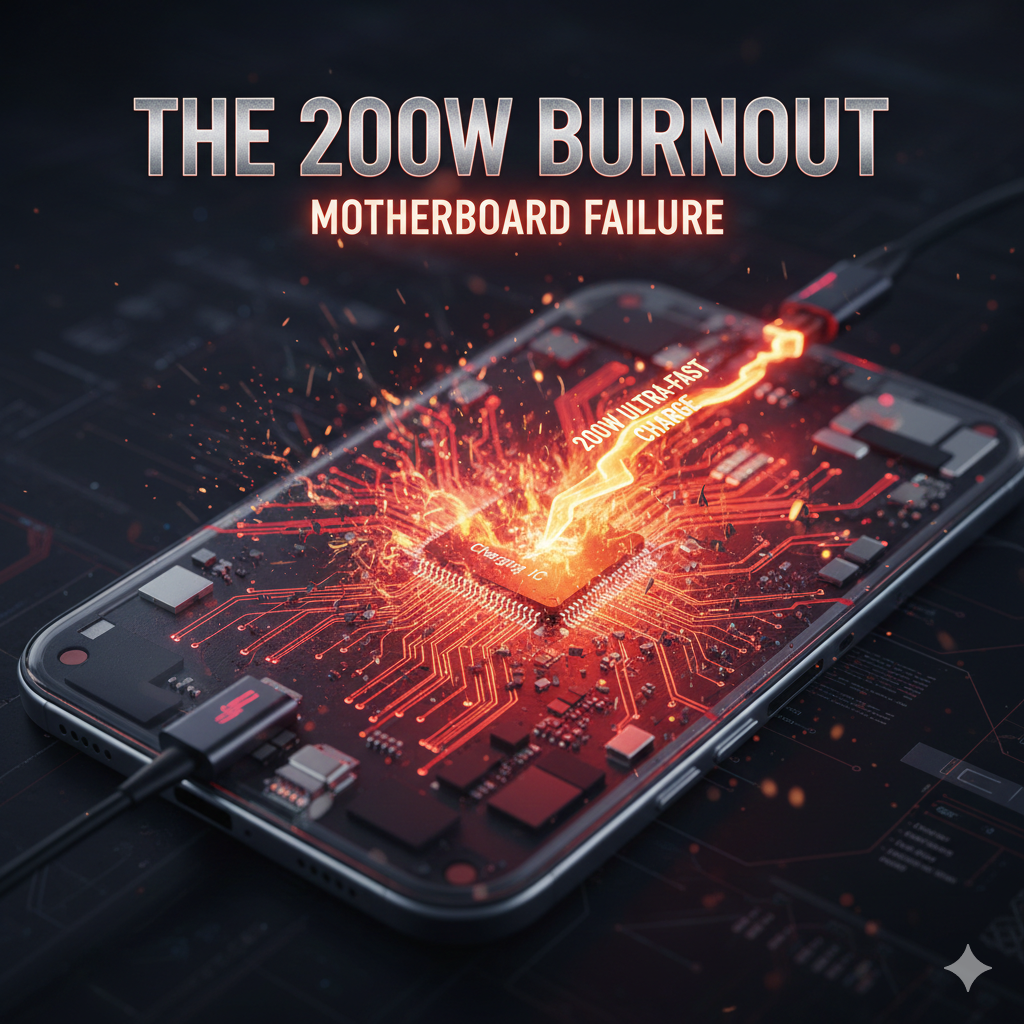
We’ve all been there: your phone is at 2%, you have ten minutes before leaving the house, and your 200W "hyper-charger" saves the day by hitting 100% before you can even find your keys. It feels like magic. However, as someone who spends their day looking at the microscopic "crime scenes" inside modern smartphones, I can tell you that this convenience comes at a steep physical cost. In 2026, we are seeing a record number of flagship devices suffering from total power failure. The culprit isn't just a "tired battery"—it is a catastrophic burnout of the motherboard’s power management circuits. While the marketing focuses on speed, the hardware is quietly screaming under the pressure of extreme electrical current.
To understand why ultra-fast charging motherboard damage is becoming so common, we have to look at the sheer volume of energy being forced through a device that is barely 8mm thick. A 200W charge is not a steady stream; it is an aggressive "sprint" of electricity.
Modern 2026 flagships use a "dual-cell" architecture to split this load, but even with this division, the Charging Integrated Circuit (IC) on the motherboard acts as a bottleneck. This chip is responsible for converting the high voltage from your wall outlet into a stable current the battery can handle. When you push 200W through these tiny traces, the resistance creates a localized "hot spot" on the motherboard that can exceed safe operating temperatures in seconds. This heat doesn't just stay in the battery; it radiates directly into the CPU and memory modules, leading to long-term instability.
Most users worry about their battery health percentage, but in the era of ultra-fast charging, the motherboard often fails first. Here is how the burnout typically happens:
The constant, rapid heating and cooling cycles caused by 200W charging create "thermal expansion" stress. Over months of daily use, the microscopic solder balls connecting the power IC to the motherboard can crack or "bridge." This is a leading cause for Samsung phone repair where a device suddenly refuses to turn on despite having a healthy battery.
Motherboards are equipped with capacitors and resistors designed to filter "noise" and spikes. At 200W, these components are pushed to their absolute limit. A minor fluctuation in your home's power grid while fast-charging can overwhelm these filters, causing a "blown" capacitor. Once a capacitor on the power rail shorts out, the entire motherboard becomes a paperweight. This complexity is why laptop power management diagnostics techniques—like micro-soldering—are now required for what used to be simple mobile fixes.
In 2026, manufacturers are packing 5G modems, AI chips, and GPUs closer together than ever. When the charging circuit generates massive heat, it affects the performance of nearby components. We often see iPhone power circuitry specialist cases where the user reports Wi-Fi or Bluetooth "disappearing" because the traces on the motherboard near the charging port have literally warped from heat.
You don't have to give up fast charging entirely, but you should treat it as a "emergency tool" rather than a daily habit. To protect your device from ultra-fast charging motherboard damage, follow these professional recommendations:
The race for the "fastest charge" has reached a point of diminishing returns for the hardware. While hitting 100% in under 10 minutes is impressive, the internal toll on the motherboard is undeniable. In 2026, the most successful smartphone owners will be those who balance speed with longevity.
Remember, a battery is easy to replace, but a motherboard contains your data, your encryption keys, and the "soul" of your device. Protect your investment by being mindful of the heat. If your flagship is starting to glitch, restart randomly, or get excessively hot, it’s a sign that the silicon is struggling. Listen to your hardware before the quiet burnout becomes a permanent failure.
Technically, yes, because modern chargers are "downward compatible." However, older motherboards aren't designed to communicate with high-wattage protocols as efficiently, which can lead to unnecessary heat.
Absolutely. High-wattage charging affects any compact motherboard. If your tablet is lagging or shutting down, it might be worth checking other tablet repair options to see if the power IC is damaged.
In 2026, the consensus among technicians is that keeping your phone between 20% and 80% is the "Goldilocks zone." This prevents the high-voltage "stress phase" that occurs at the very beginning and end of a charge cycle.
This blog is for informational purposes only. High-wattage charging involves significant electrical energy. If you notice smoke, bulging, or extreme heat from your device or charger, unplug it immediately from the wall outlet (not the phone) and seek professional assistance to prevent fire or injury.