

 60
60



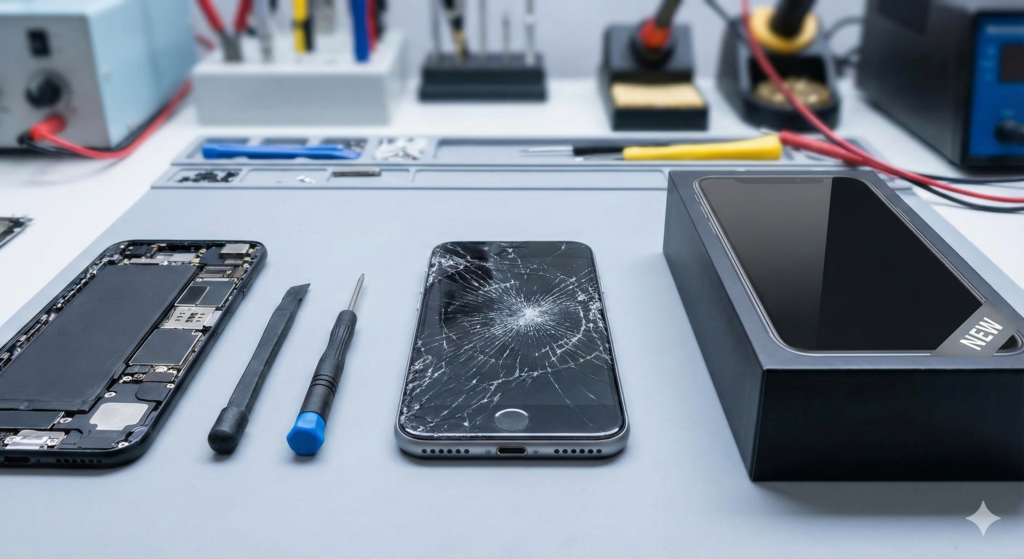
You know that sinking feeling. It happens in a split second. Your phone slips out of your hand, hits the concrete, and you pick it up to see that dreaded spiderweb of cracks across the glass. Or maybe your situation is less dramatic but just as annoying—your battery won't hold a charge past lunch, or your charging port only works if you hold the cable at a weird angle.
The big question hits you immediately: "Do I fix this, or do I just go buy a new one?"
It is a tough call. New phones are expensive, often costing over $1,000, but putting money into an old device can feel risky. As the technicians at TPK Wireless, we see this specific dilemma every single day. We aren't just here to swap out parts; we help customers weigh the pros and cons to make the best financial choice for their lives. In this guide, I’ll walk you through the exact checklist we use to help you decide if your device is worth saving or if it's finally time to upgrade.
Money is usually the biggest factor here, so let's talk about it first. Before you make a move, you need to look at the cold, hard numbers.
The general rule of thumb in the repair industry is the "50% Rule." Basically, it goes like this: If the cost of the repair is less than half the cost of replacing the phone, you should probably repair it.
According to recent market data, the average cost of a new flagship smartphone has climbed well over $1,000. That sticker price is high, but it’s not the whole story. When you add in sales tax, carrier activation fees, and the cost of buying new cases and chargers (since they change the ports every few years), you are looking at a huge bill.
Compare that to a screen repair. For example, our iPhone Repair costs are significantly lower than buying a brand-new iPhone 15 or 16. If your phone works perfectly aside from the broken part, fixing it is the smartest move for your wallet. You keep your current paid-off phone and avoid getting trapped in another 36-month contract with your carrier.
How old is the phone, really? This matters a lot more than it used to.
If you are using an iPhone 11, 12, or newer, or a Samsung Galaxy S21, you still have years of life left in that device. Apple typically supports phones with major iOS updates for about 5 to 6 years. If your device can still run the latest apps, has good security updates, and takes decent photos, do not toss it just because the screen is cracked.
However, there is a limit. If your phone is stuck on an operating system from 2017 and can't run your banking app anymore because of security risks, investing in a repair might not be the best idea. In that specific case, Other Smartphone Repair might not be worth it because the software is holding you back, not the hardware.
People always forget that buying a new phone takes time. It’s not just "buy and go." You have to transfer thousands of photos, log back into every single app (do you remember your passwords?), and set up your Two-Factor Authentication again for work and email. It is a massive headache.
When you choose repair—whether it’s a smartphone or even a complex Computer Repair—you usually get your device back exactly how you left it. Your background photo is the same, your texts are there, and you don't have to spend your Saturday configuring settings. If you are a busy professional or parent, repairing is often the faster, easier option just to save yourself the setup time.
So, how do you decide right now? Here is a practical workflow to follow:
If you go through this checklist and decide the repair isn't worth it, don't throw it in the trash (e-waste is a real problem). You can actually Sell Your Device to us directly. We offer fair market value, saving you the hassle of dealing with online marketplaces.
At the end of the day, the decision comes down to value. If your phone does what you need it to do—calls, texts, apps, photos—repair is almost always the better financial choice. You save hundreds of dollars, you keep your data, and you help the environment by keeping e-waste out of landfills. But if the device is ancient, lagging constantly, or has critical motherboard damage, upgrading is the way to go.
Still not sure? You don't have to guess. Come visit us at our Store Locations. Let us take a look. We also handle gaming consoles, so if you have PlayStation Repairs, Xbox Repairs, or Nintendo Repairs that you are debating fixing, we can advise on those too.
Q1: How long does a typical screen repair take? A1: Most standard screen repairs are done incredibly fast. At TPK Wireless, we usually finish smartphone screen replacements in under an hour. We know your life is on your phone, so we don't make you wait days for a simple fix.
Q2: If I fix my screen, will my FaceID or fingerprint scanner still work? A2: Yes, as long as the components themselves (the sensors) weren't damaged in the initial fall. We use high-quality parts and specialized tools to ensure biometric features like FaceID and TouchID function correctly after the repair.
The information provided in this post is for educational purposes only and should not be considered as a guarantee of repair results. Every device is unique, and diagnostics are required to determine the exact issue. Please consult a TPK Wireless technician for a professional assessment before making a final decision.