

 60
60



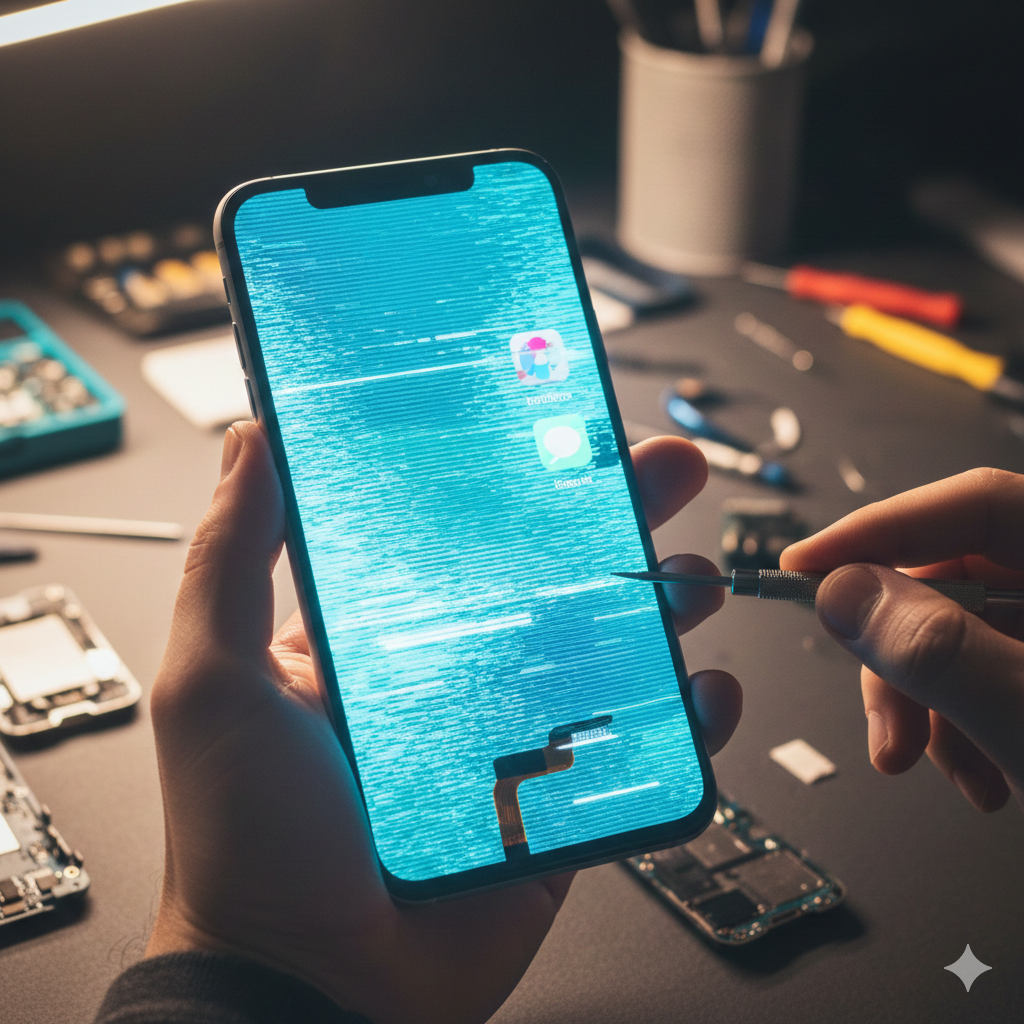
We’ve all been there. You’re in the middle of an important text, or worse, trying to navigate using GPS in an unfamiliar city, and suddenly, your phone screen starts behaving like it has a mind of its own. It flickers, becomes unresponsive, or shows strange lines that look like a digital nightmare.
It’s frustrating, right? Our smartphones are more than just gadgets; they are our planners, our communicators, and our entertainment hubs. When the screen glitches, it feels like a major disruption.
As experts in the field of mobile device repair with years of experience under our belts, we at TPK Wireless have seen it all. We understand the panic that sets in when your screen starts acting up. That’s why we’ve put together this comprehensive guide to help you identify the hidden culprits behind those annoying glitches and, more importantly, how to fix them.
While a glitching screen might seem like a minor annoyance, in some cases, it can be a symptom of a larger issue. This guide falls under the YMYL (Your Money or Your Life) category because a malfunctioning phone can impact your ability to work, communicate in emergencies, and even handle financial transactions.
A screen glitch isn't just one thing. It can manifest in several ways:
According to a study by Statista, the average person spends over 3 hours a day on their smartphone. This constant usage leads to wear and tear, but many glitches are caused by factors you might not even consider.
From software conflicts to microscopic hardware damage, the reasons can be elusive. Understanding these "hidden" causes is the first step toward a permanent fix.
It sounds simple, but a screen protector that isn't perfectly aligned or is made of cheap material can interfere with the touch sensitivity of your screen. Static electricity or trapped moisture under the protector can cause "ghost touches."
Sometimes, it’s not the screen at all, but the software driving it. If your phone’s processor is overwhelmed by too many resource-heavy apps running in the background, it can cause the display to lag or flicker as the system struggles to keep up.
You might not have dropped your phone in a pool, but high humidity or a few drops of rain can seep into the internal connectors over time. This leads to corrosion that intermittently disrupts the signal between the motherboard and the display. If you suspect liquid damage, check out our LCD and digitizer replacement services for a professional assessment.
Ironically, the update meant to fix your phone can sometimes break it. If a new OS version has a bug related to display drivers, you’ll notice glitches immediately after the installation.
Phones are built to be sturdy, but a hard knock or a drop—even one that doesn't crack the glass—can slightly dislodge the flexible ribbon cable that connects the screen to the internal logic board. This often results in flickering or lines on the screen.
Before you rush to buy a new phone, try these actionable steps:
When to See a Professional: If you’ve tried the steps above and the flickering or ghost touching persists, it is likely a hardware issue. Attempting to open the phone yourself can void your warranty and cause further damage.
For complex issues like board-level repair or screen replacements for other devices, we recommend consulting experts. Whether it’s specialized tablet display repair, MacBook Repair, or even gaming consoles like PlayStation Repairs and Nintendo Repairs, professional tools are required for a safe fix.
A glitching phone screen doesn't always mean your device is reaching the end of its life. Often, a simple software tweak or a professional cable adjustment can restore it to perfect working order.
At TPK Wireless, we pride ourselves on transparency and expert service. Don't let a buggy screen ruin your productivity. Use reputable sources for your tech advice and always seek professional help for hardware repairs to ensure your data and device remain safe.
Q1: Can a virus cause my screen to glitch?
A1: While rare, malware can consume system resources, leading to lag and display issues. However, "ghost touching" is almost always a hardware or protector issue, not a virus.
Q2: Is it worth repairing an older phone screen?
A2: Usually, yes! Repairing is significantly cheaper than buying a new device. You can get an get a repair assessment from us to see if the repair fits your budget.
Q3: My screen is glitching after I dropped it, but the glass isn't broken. Why?
A3: The impact likely loosened an internal connector or damaged the LCD/OLED layer underneath the glass. This requires a professional internal inspection.
The information provided in this post is for educational and informational purposes only. While we strive for accuracy, TPK Wireless is not responsible for any damage caused by DIY repair attempts. Always consult a professional technician for hardware repairs.