

 60
60



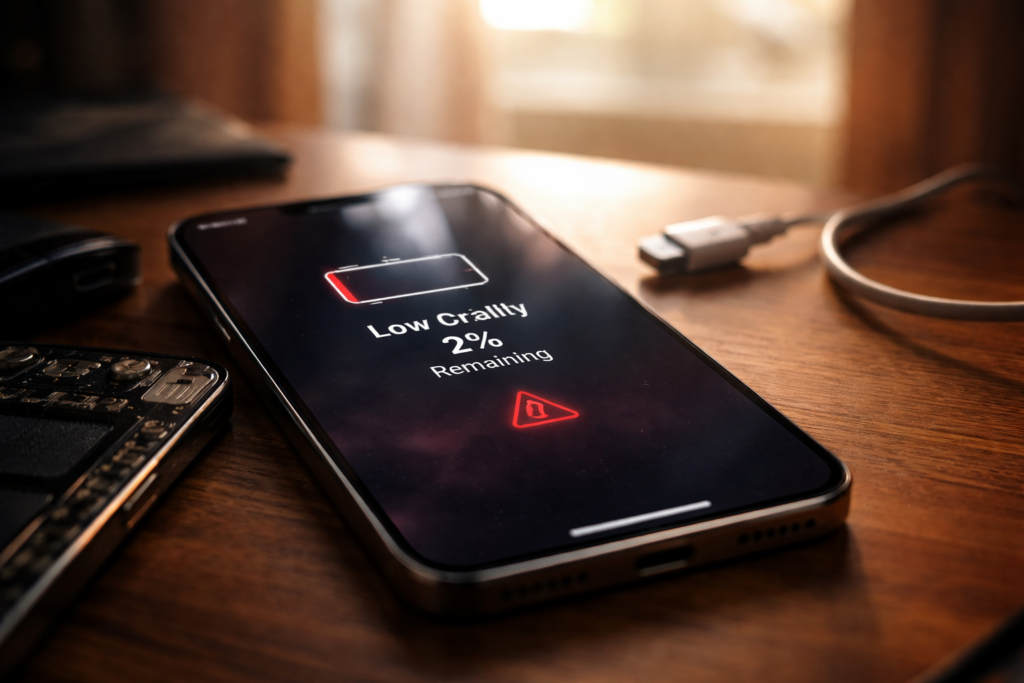
Your alarm goes off at 7 AM. By noon, your phone is begging for a charger — or it's already dead. Sound familiar? When your phone battery dies fast, it feels like you're babysitting a device that's supposed to make life easier. And here's the part that really stings: the phone itself works perfectly fine otherwise. The screen looks great, the apps run smooth, the camera still takes gorgeous shots. It's just... always dying.
Most people assume they need a brand-new phone at that point. That's a $1,000 decision based on a $30 problem. At TPK Wireless, we replace degraded batteries every single day for customers who thought their phone was finished. Spoiler — it almost never is. The battery just hit its wall, and replacing it brings the phone back to how it felt on day one.
This guide explains what's actually happening inside your phone when the battery starts failing, how to tell whether you need a replacement, and why putting it off can cost you way more than the repair itself.
Every smartphone uses a lithium-ion battery. These batteries are designed to handle somewhere between 500 and 800 full charge cycles before performance starts to noticeably decline. One cycle equals draining from 100% to 0% — so if you drain to 50% and recharge daily, that's roughly one cycle every two days.
For most people, that means battery degradation becomes noticeable somewhere around the 18- to 24-month mark. The battery doesn't just "break" one day. Instead, it gradually loses its ability to hold a charge. Where it once lasted a full day with room to spare, now it barely survives until lunchtime.
Several factors accelerate this natural decline. Heat is the biggest enemy — leaving your phone in direct sunlight, charging it under a pillow, or using resource-heavy apps while plugged in all generate excess heat that degrades the battery's internal chemistry faster.
Overnight charging plays a role too. Keeping the phone at 100% for hours puts constant low-level stress on the cells. And if you've been relying on ultra-fast charging, that convenience comes with a tradeoff — repeated high-wattage charging sessions wear down battery cells quicker than standard charging does.
Then there's the software side. Every major OS update adds new features and background processes. Your two-year-old battery is now powering a phone that demands more than it did when you bought it. That mismatch between software demands and battery capacity is a major reason your phone battery dies fast seemingly out of nowhere. Our breakdown of how software updates accelerate hardware aging goes deeper into this cycle if you're curious.
Both iPhone and Android give you a built-in way to check this. On iPhone, go to Settings > Battery > Battery Health & Charging. You'll see a "Maximum Capacity" percentage. Anything below 80% means Apple themselves consider the battery degraded and ready for replacement.
On Samsung and most Android devices, dial *#*#4636#*#* in your phone app to access the battery info menu. Some newer Samsung models also show battery health under Settings > Battery and Device Care > Diagnostics.
If your battery health reads below 80%, that alone explains why your phone doesn't last half a day anymore. No amount of closing background apps or dimming the screen will fix chemistry that's broken down at the cell level.
Numbers don't always tell the full story. Watch for these real-world red flags:
If you're noticing any of these alongside rapid drain, the battery isn't just old — it's failing. And a failing battery puts the rest of your phone's hardware at risk, which is the part most people don't realize until it's too late.
A professional battery replacement at a repair shop typically runs between $30 and $80, depending on the phone model. For context, that's roughly the cost of two months of your phone plan. And it gives you what is essentially a fresh phone — same data, same apps, same photos, just with full-day battery life restored.
Compare that to buying a new device. Even a mid-range phone sets you back $400 to $600, and a flagship easily crosses $1,000. If the only real issue is battery life, spending ten times the repair cost on a new phone doesn't make financial sense.
At TPK Wireless, most iPhone battery replacements are done same-day — often within 30 to 45 minutes. Our Samsung phone repair team handles Galaxy batteries just as quickly. You walk in with a dying phone and walk out with one that lasts all day again.
This is the part people tend to underestimate. A degraded battery isn't just inconvenient — it can actively damage your phone.
When lithium-ion cells degrade past a certain point, they become unstable. Voltage irregularities from a dying battery can stress the phone's power management IC on the logic board. Over time, this can cause random restarts, charging port failures, and in worst-case scenarios, permanent motherboard damage that no battery swap can undo.
Swelling batteries are even more serious. A swollen cell puts physical pressure on the display, the logic board, and internal flex cables. We've seen phones come in for screen repairs where the actual root cause was a battery that expanded and cracked the display from the inside out. What could have been a $40 battery job turned into a $200+ repair because the customer waited.
According to the U.S. Consumer Product Safety Commission, swollen and damaged lithium-ion batteries are a documented fire and burn hazard in consumer electronics. This isn't scare tactics — it's the reality of ignoring a battery that's telling you it's done.
Not all battery replacements are equal. Cheap knockoff cells from questionable sources are a real problem in the repair industry. They may seem fine at first but often degrade within months, and some lack the safety circuits that prevent overcharging and thermal runaway.
Look for a shop that uses high-quality replacement cells, offers a solid warranty, and has trained technicians who know how to properly disconnect and reconnect internal components without damaging anything else. TPK Wireless offers a 6-month warranty on all repairs, and our technicians handle everything from iPhones to Samsung Galaxy S series to other smartphones.
If you want a quick price check before coming in, our instant quote tool gives you an estimate in seconds. And we have multiple store locations in Atlanta for convenient drop-off.
A phone battery that dies before lunch isn't a death sentence for your device. It's a worn-out component doing exactly what lithium-ion batteries do after a couple of years of daily use. The fix is fast, affordable, and gives your phone a genuine second life.
Don't let a $30 problem push you into a $1,000 purchase. Check your battery health percentage first. Look for the warning signs — sudden shutoffs, swelling, erratic charge readings. If any of those line up, a professional replacement is the smartest move you can make.
More importantly, don't wait too long. A dying battery is more than an annoyance; it's a ticking risk to the rest of your phone's internals. Addressing it early keeps the repair simple and cheap. Ignoring it opens the door to cascading damage that's far more expensive to fix.
If your phone is struggling to get through the morning, get an instant quote or visit one of our Atlanta locations — we'll have it back to full strength before you finish your coffee.
How do I know if my phone battery needs replacing or if something else is draining it?
Start by checking your battery health score in settings. If it's below 80%, the battery is the problem. If health looks fine but drain is still extreme, a rogue app or background process might be the culprit. Check your battery usage breakdown in settings to see which apps are consuming the most power.
Will replacing the battery make my phone feel faster?
Often, yes. Both Apple and Android throttle processor speeds when battery health drops below certain thresholds to prevent sudden shutdowns. Replacing the battery removes that throttle, and the phone runs at full speed again. It's one of those repairs where people are surprised by how much better everything feels — not just the battery life.
Can I replace my phone battery myself?
Technically, yes — but it's risky if you don't have experience. Modern phones use strong adhesive to hold batteries in place, and prying them out incorrectly can puncture the cell (which is a fire hazard) or damage nearby flex cables. Professional technicians have the right tools and training to do it safely. Given that the labor cost is typically modest, it's not worth the risk for most people.
How long does a replacement battery last?
A quality replacement cell should give you another 2 to 3 years of solid performance under normal usage. Low-quality knockoff batteries might only last 6 to 12 months, which is why choosing a reputable repair shop that uses premium cells matters.
Does battery replacement erase my data?
No. A battery swap doesn't touch your storage or software at all. Your photos, messages, apps, and settings will be exactly where you left them. No backup needed — though it's always smart to have one just in case.